Inspectable agent runtime
A Rust binary hosts V8 and the TypeScript harness, streams model output, queues messages durably, supports interrupts, subagents, timers, and Chrome DevTools Protocol debugging, and lets you tune separate V8 pools for chat, reads, scans, UI work, and tools.
- Rust/V8 host
- TypeScript tools
- streaming
- subagents
- CDP
- runtime pools
Browser-native work surface
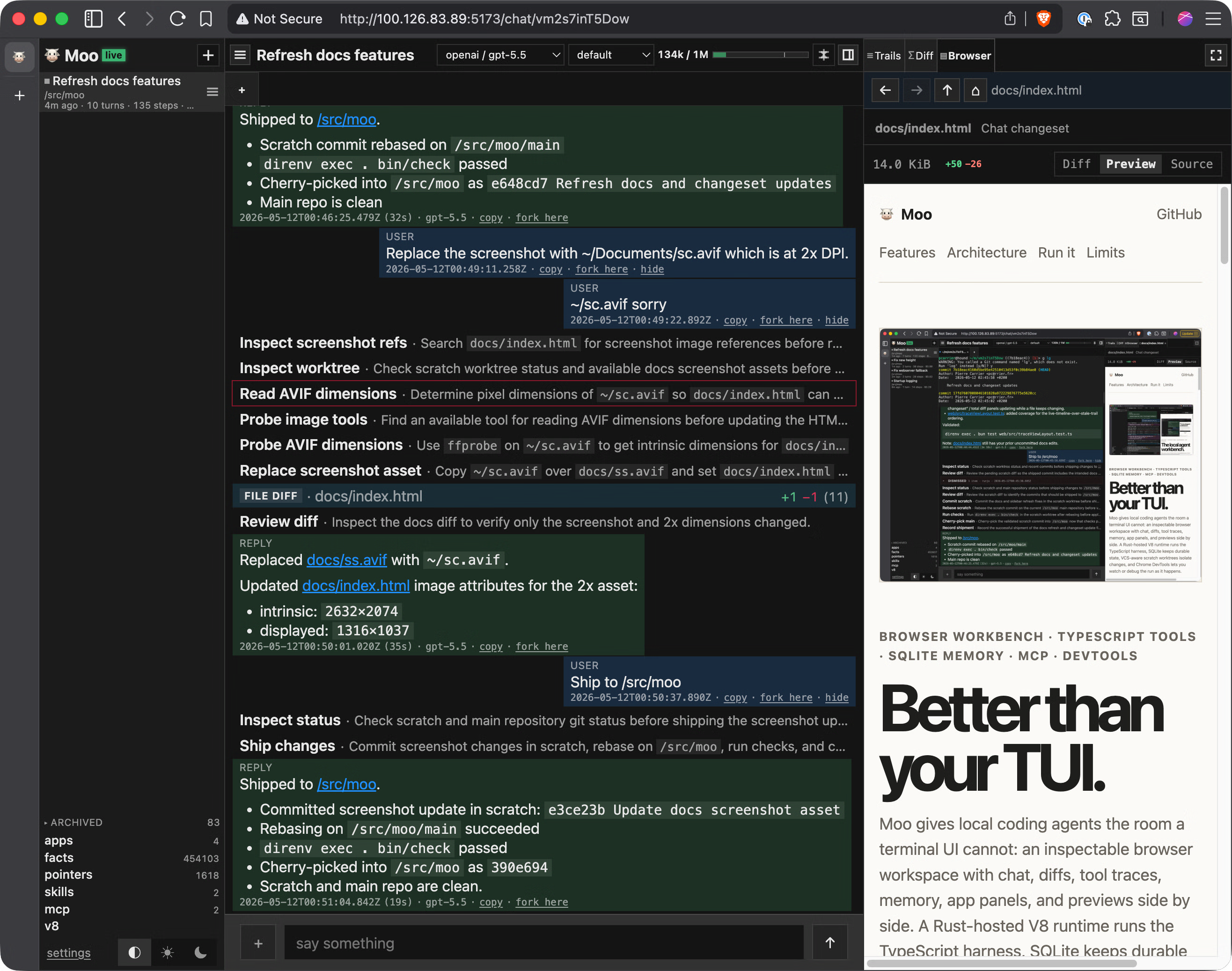
The Solid web UI is the place to chat, inspect tool calls, review semantic diffs, browse memory and state, manage settings, preview Markdown, HTML, and Mermaid, and keep generated apps beside the conversation without cramming everything into terminal rows.
- chat timeline
- diff viewer
- memory browser
- settings
- previews
- Mermaid
App workspaces
Agents can register iframe apps, open one as the primary chat surface, preserve panel state, call app handlers, and expose source bundles in a code explorer with source and preview tabs, formatting, syntax highlighting, and Mermaid rendering.
- iframe apps
- primary app
- state bridge
- handlers
- code explorer
- source preview
MCP command center
Moo discovers MCP servers and tools, manages OAuth-backed connectors, renders tool titles, markdown descriptions, preserved newlines, highlighted signatures, collapsible schemas, and HJSON examples so connected tools stay understandable.
- MCP discovery
- OAuth
- tool titles
- Markdown docs
- HJSON examples
- schemas
Durable local context
Chats, summaries, tasks, pointers, content-addressed objects, RDF facts, MCP state, diffs, app state, and trail history live in SQLite so a session can be audited, resumed, forked, or archived without a remote service.
- SQLite
- chats
- tasks
- objects
- pointers
- trail
Queryable memory
Agents can assert durable facts globally or per project, use typed RDF terms, define vocabulary, run joins and SPARQL, scroll large fact sets, and keep chat-local graph history separate from long-lived user and project memory.
- RDF facts
- SPARQL
- project scope
- typed terms
- vocab
- history
Repository-safe work
Each chat gets an isolated scratch worktree with repository metadata, git or jj context, lazy filesystem access, command execution, patches, diffs, forks, and check scripts so agents can make real changes without trampling the main checkout.
- scratch worktrees
- git
- jj
- fs tools
- proc tools
- forks
Human checkpoints
Structured forms, choices, visible status messages, semantic tasks, task reminders, title updates, compact summaries, attachments, and queued sends keep the human in the loop with real controls instead of forcing every decision through prose in a terminal prompt.
- ui.ask
- ui.choose
- attachments
- tasks
- summaries
- queued sends
Skill-aware assistance
Built-in and saved skills carry metadata and markdown instructions, can be listed, loaded, refreshed, enabled, tested, and opened from a dedicated route without materializing scratch worktrees just to browse guidance.
- built-in skills
- saved skills
- metadata
- refresh
- dedicated route
- tests
Connected local tools
The harness exposes host-backed HTTP fetch and streaming, environment reads, validators, event broadcasts, MCP calls, and iframe app APIs with state and handler calls for richer task-specific interfaces.
- HTTP
- env
- events
- MCP calls
- validators
- UI apps
Polished diagnostics
Timeline headers, sidebar counts, trace panels, facts scrolling, app tabs, panel controls, markdown highlighting, and Mermaid lightboxes have focused tests so the browser shell remains fast and readable during long sessions.
- timeline
- sidebars
- traces
- facts
- lightboxes
- UI tests
Practical developer loop
Release assets embed the harness and UI, while contributors get direnv, process-compose, Bun tests, Rust checks, startup snapshots, model/provider helpers, runtime presets, and a single local check script for the whole stack.
- release binaries
- direnv
- process-compose
- Bun
- Rust
- bin/check